Stay with
your student.
SnapJury handles du reste.
7-day trial · iPhone, iPad & Mac · 100% on device
Paper cut you off from your student.
SnapJury brings you back.
Create an oral and get started in 3 minutes
Watch the getting-started video. Then find every tutorial on the YouTube channel.
Three gestures, zero friction.
Built for the speed of the moment: capture what matters without ever looking away.
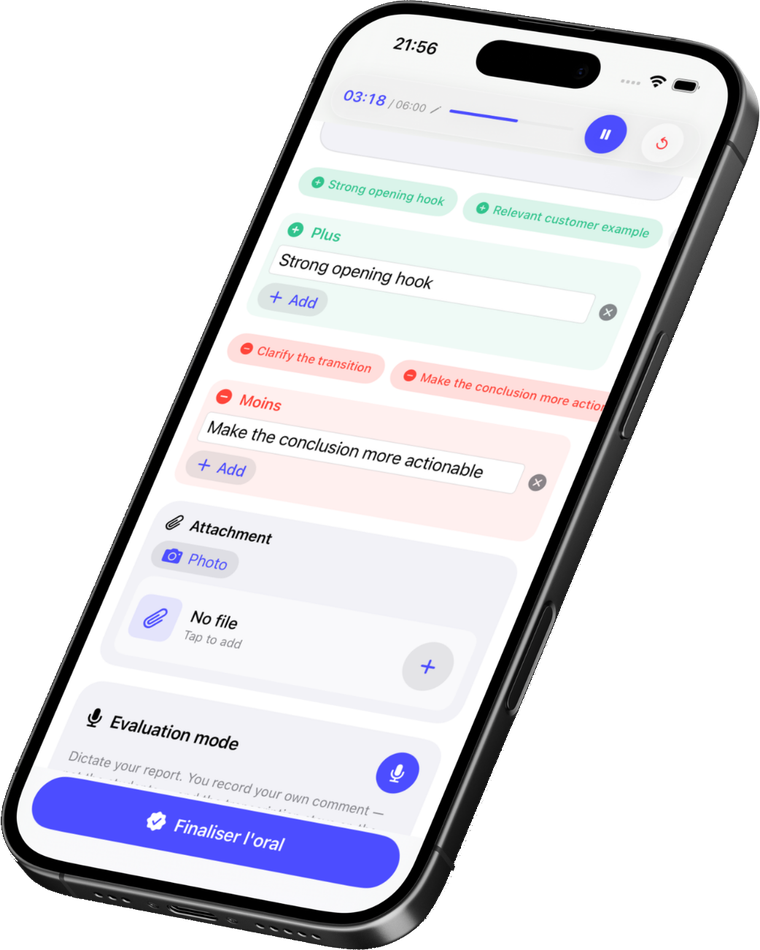
Grade live
Strengths, areas to improve, the timer for each turn: everything in one tap, without taking your eyes off your student.
Dictate your report
Prefer your voice? Dictate your comment; transcription happens on the device, offline. We transcribe you, never the student.
Compose the appraisal Beta
Your notes and dictation shaped into a clear draft, ready to tweak. A copilot — you approve, you correct, you decide.
The notebook, without the cardboard.
Grade the oral, not your attention.
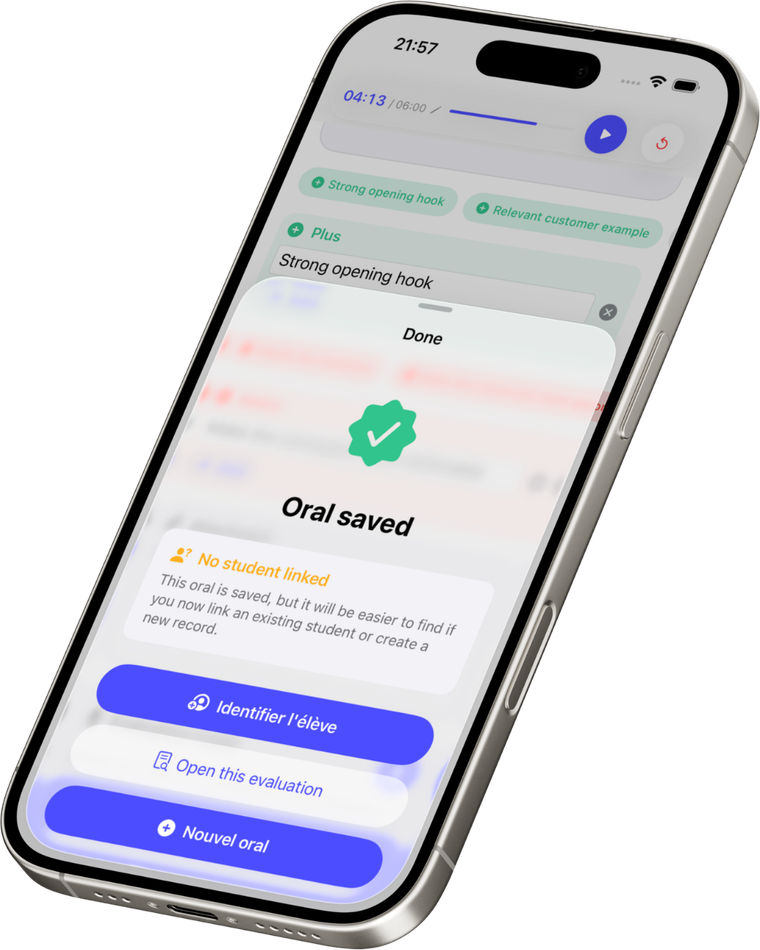
Start the oral, identify the student afterwards. Strengths in one tap, areas to improve right beside them. The timer frames every turn; on iPhone, the Live Activity keeps the duration in sight, even on the lock screen.
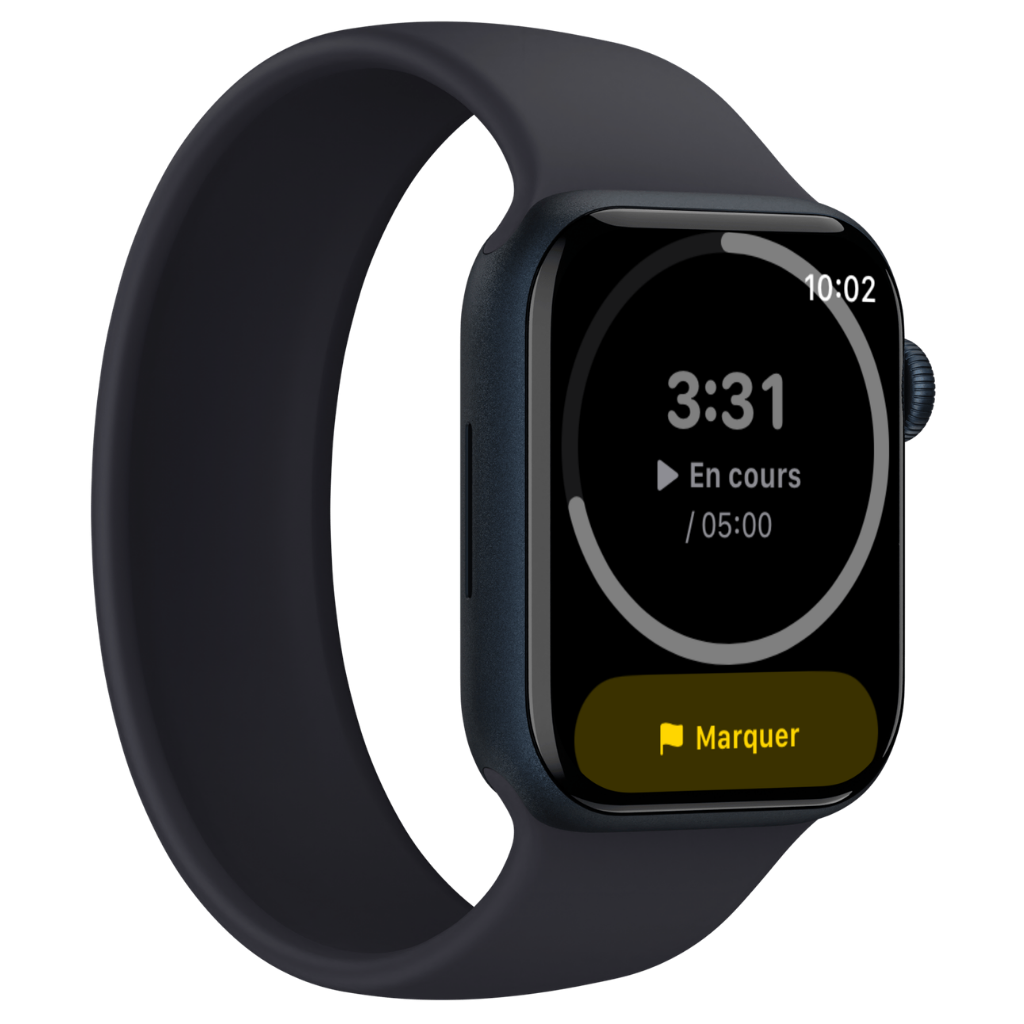
Flag the moment, without looking away.
With Apple Watch, the timer is on your wrist and both hands stay free for the student. A tap drops a marker you'll find again, at the right moment, in your notes.
Your report in thirty seconds.
After the turn, dictate your thoughts: SnapJury shapes your words. A first draft — short, medium or detailed, your call. You stay in control: you approve, you adjust.
Enhanced writing with Apple Intelligence · beta, always review
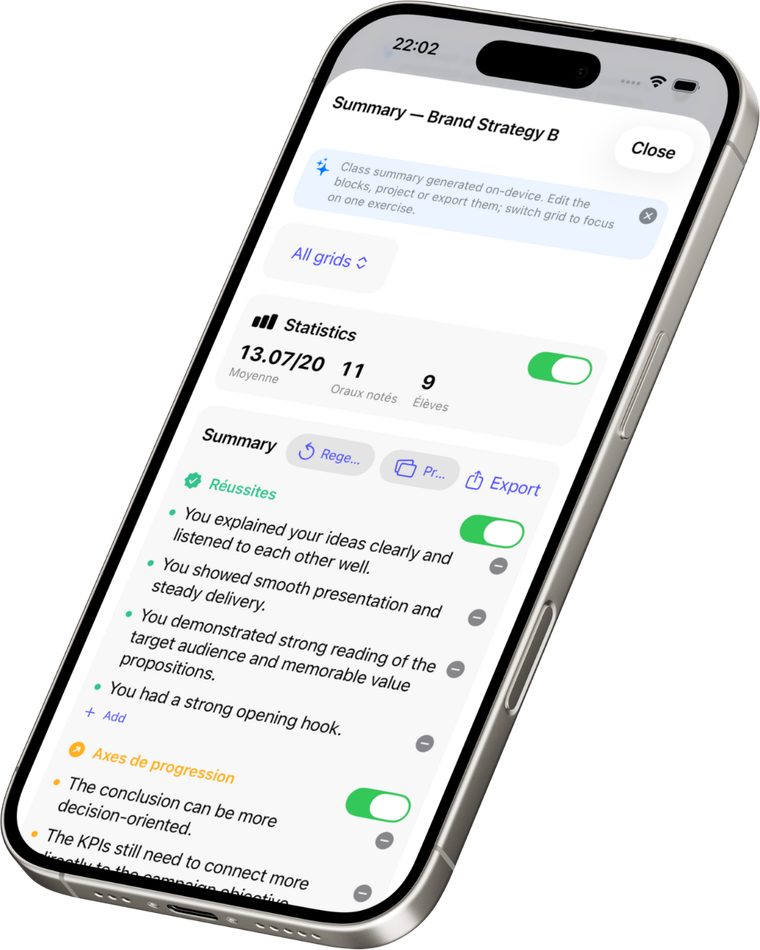
A deeper look at your class.
On Apple Intelligence devices, get a per-student read and an anonymous group summary — strengths, areas to improve, leads. Ready to project, without naming a single student.
iPhone 15 Pro and up, iPad and Mac Apple silicon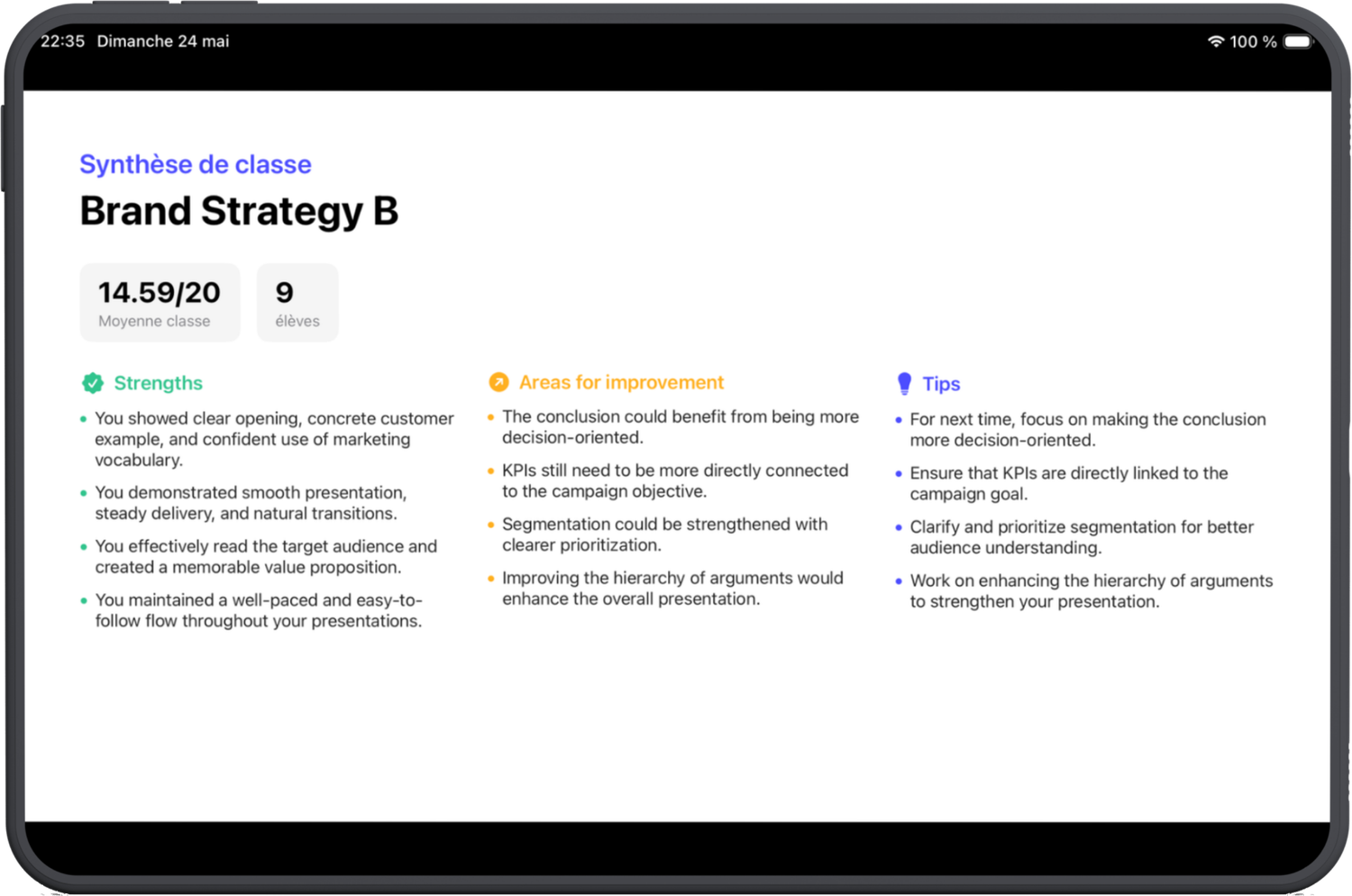
Every oral counts. None gets lost.
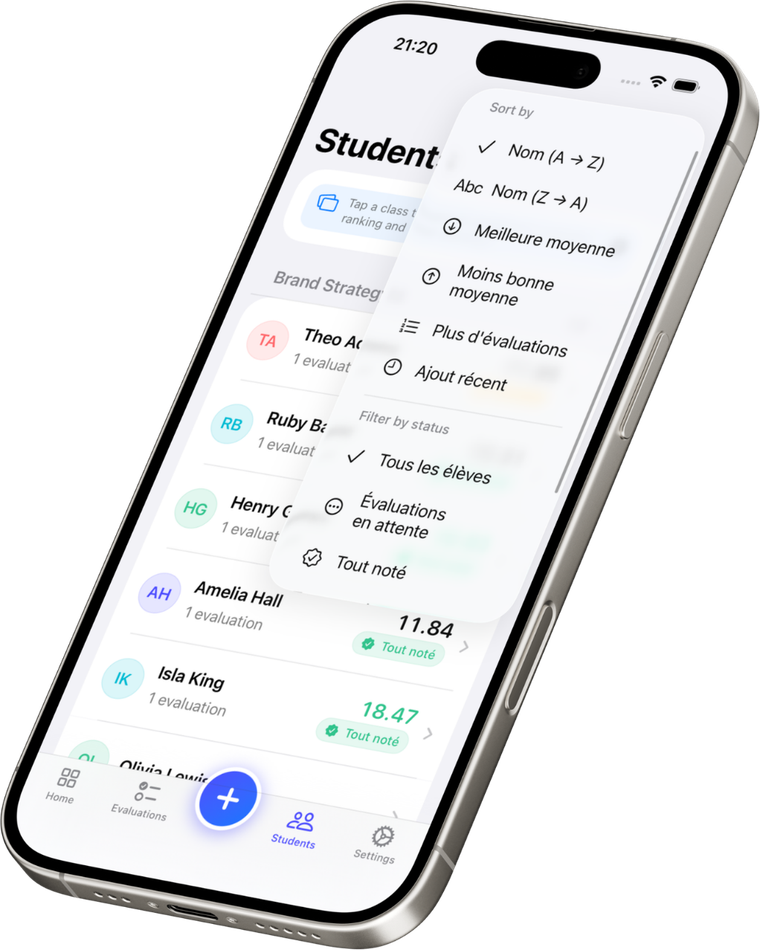
Every oral archived per student, averages computed, absences and lateness in one place. At a glance, your dashboard tells you where you stand and who's left to grade.
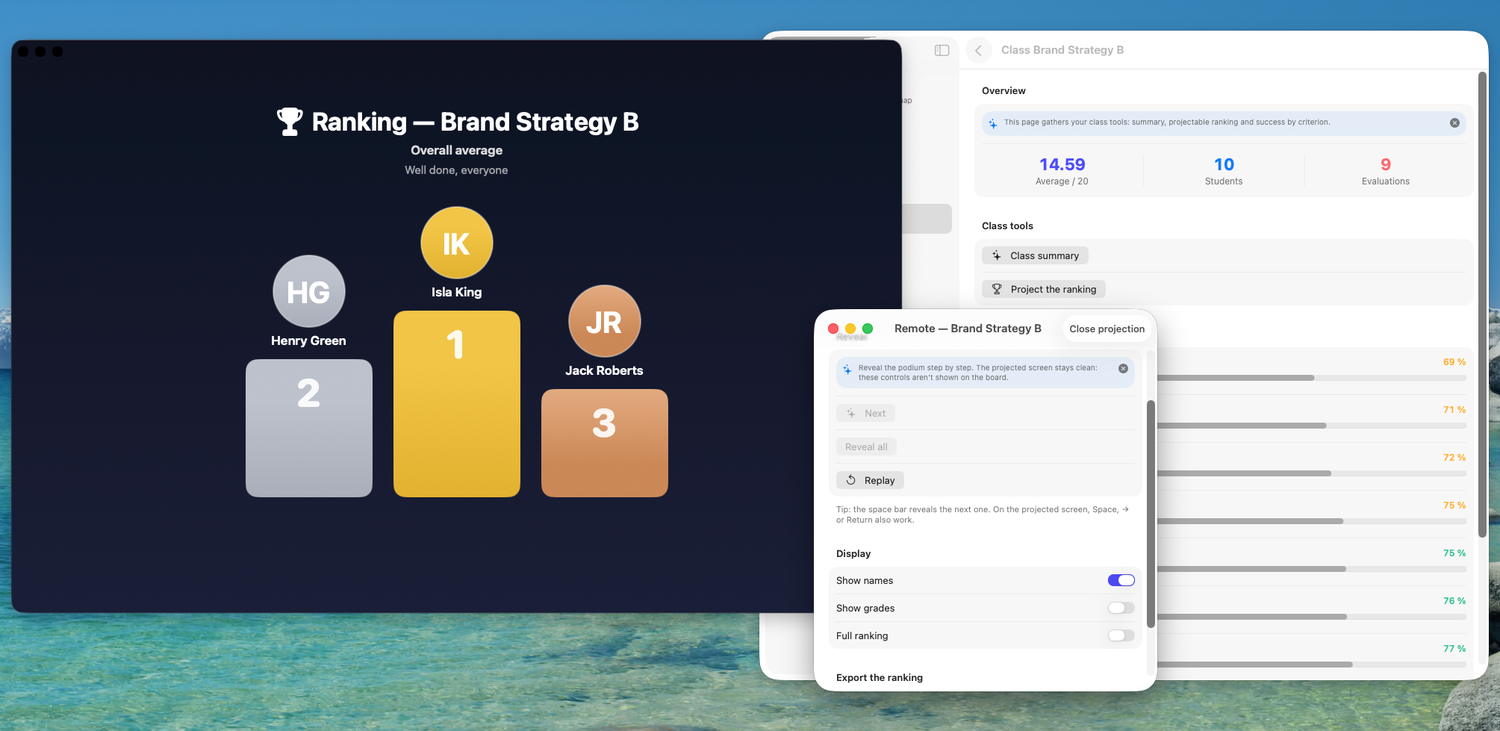
Plug in the projector. The ranking is ready.
The class podium on the big screen, driven from a floating remote. You choose what shows: names, grades, top 3 — no slides to prepare.
The whole Apple ecosystem, built for teachers.
Grids & templates
Build your grids once, reuse them for every turn. Criteria, scale, weighting: you decide everything.
On the Mac
Plug in the projector: the class podium is ready, no slides. Big screen to track the whole class.
Apple ecosystem
One subscription covers iPhone, iPad, Mac and Apple Watch. Grade in class, review at night: everything follows, no cable.
Drafts & queue
No oral forgotten: unidentified orals, drafts, partial evaluations — all visible at a glance, one tap away.
Timer & Live Activity
Every turn framed, the duration recorded. On iPhone, the timer stays visible on the lock screen.
Peer evaluation
Designate a student evaluator straight from the grid. Peer pedagogy built in — no extra sheet.
All of SnapJury. All your Apple devices.
No commitment, month to month.
Four months, and the year is yours.
Every plan includes:
- iPhone, iPad, Mac and Apple Watch included
- Voice report and writing assistance
- Per-student insights and group summary
- Lasting archive — find every oral, anytime
- 100% private: no data leaves your devices
7-day free trial, no credit card. Purchase via the App Store.
US App Store pricing — automatically adjusted for your country.
Your students stay with you.
SnapJury runs on your device. No server hoovering up your data, no ads, no trackers.
- SnapJury never listens to the student: only your voice is captured, after the oral.
- Your data stays on the device and your private iCloud.
- No student data shared with third parties.
- Payments are handled by Apple.
A question? Get in touch.
Feedback, school enquiries, press or support: we reply quickly.
👀
Something is coming…
SnapJury won't be alone for long. A new app is on its way to transform your classroom orals. Stay tuned.
Spend your next oral
with your student.
Download on the App Store →
7 days free · then $14.99/year or $3.99/month